Shopify and Consent Banner Solutions — What Actually Matters
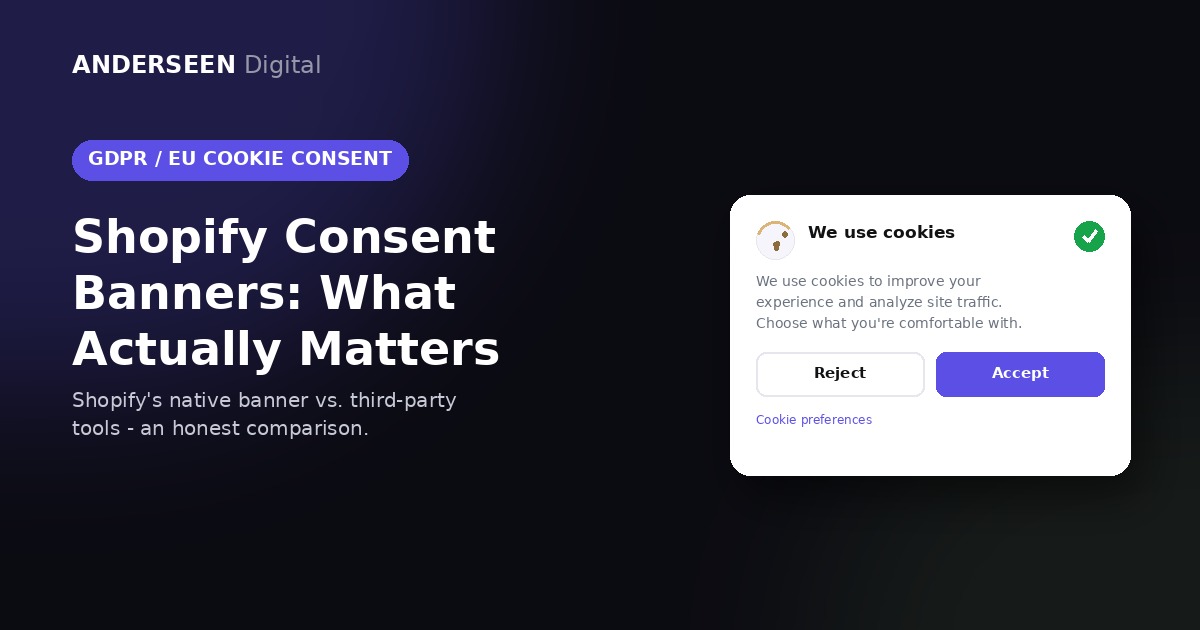
Most Shopify stores now need a cookie consent banner. The question merchants keep asking us is simple: use Shopify's own banner, or install a third-party one? Here's the honest breakdown, without the technical noise.
Why you need a consent banner in the EU
EU law (GDPR + the ePrivacy rules) says you can't place non-essential cookies — analytics, ads, retargeting pixels — on a visitor's device until they've actively agreed to it. A banner that just says "we use cookies" with no real choice doesn't count anymore. Here's what a compliant banner actually needs to do:
- Ask before tracking, not after. Non-essential cookies must wait for a "yes."
- Make "Reject" as easy as "Accept." Same size, same click, no hidden menus.
- No pre-ticked boxes. Consent has to be an active choice, not a default.
- Let people change their mind. A visible way to update preferences later — Shopify handles this natively (see note below).
- Keep a record. Proof of when and what a visitor agreed to, in case of an audit.
Update: Shopify's native banner does now include a "Cookie preferences" link in your store footer, so visitors can reopen the banner and change their choice anytime — no custom code needed. If you want that link somewhere other than the footer, it's just a normal link to #shopifyReshowConsentBanner on your storefront, so you can drop it into a menu, a privacy policy page, or anywhere else.
Shopify banner vs. third-party banner
| Requirement | Shopify's own banner | Third-party banner |
|---|---|---|
| Cost | ✅ Free, built into every plan. | ⚠️ Monthly subscription, usually $10–50+. |
| Setup effort | ✅ A few clicks in Settings → Customer Privacy. | ⚠️ Extra app install, extra config, sometimes theme code changes. |
| Reopen preferences later (footer "Cookie preferences" link) | ✅ Native, automatic, no setup. | ✅ Also included, usually via their own widget. |
| Blocks Shopify-native scripts (Shopify Pixels, Google & YouTube app, custom pixels) | ✅ Yes, automatically. | ✅ Usually, via the same Customer Privacy API. |
| Blocks scripts hard-coded into theme files (Wrong way) | ❌ No — see note below. | ✅ Yes — this is the main reason to use one. |
| Consent log for audits | ❌ Not available natively. | ✅ Most dedicated tools log every decision. |
| Public list of cookies/scripts in use (cookie declaration page) | ❌ Not available natively — Shopify doesn't scan for cookies at all. | ✅ Most CMPs auto-generate and maintain this. |
| Data sent to Google before consent | ✅ None — the safest default under EU law. | ⚠️ Depends on the tool — some send anonymized signals pre-consent. |
| Keeping up with Shopify updates | ✅ Maintained by Shopify, always current. | ⚠️ Depends on the vendor — updates can lag. |
| Risk of over-blocking | ✅ Very low. | ⚠️ Real risk — can catch non-tracking scripts by mistake. |
| Best fit | Stores using Shopify apps and custom pixels (modern stores). | Stores with theme-hard-coded scripts (legacy shops and scripts, better to clean up), or that need an audit log or cookie declaration page. |
Note on that "hard-coded scripts (Wrong way)" row: pasting tracking scripts into theme files is the old way of doing it, and we'd flag it as something to move away from, not just a gap to patch. The modern way is Settings → Customer Events → Add custom pixel — scripts added there are read by Shopify's Customer Privacy API, so the native banner controls them automatically. Moving your scripts there usually closes this gap for free, before you need to consider a third-party tool at all.
Our take
Move any hard-coded scripts to custom pixels first — for most stores that's the whole fix, and the native banner covers everything else, including letting visitors reopen and change their preferences. The two things it genuinely still doesn't do natively are a downloadable consent log and a public cookie/script declaration page. If you actually need one of those — for an audit, or because legal asked for it — that's the real reason to add a third-party tool, not because the native banner is "worse."
One thing worth asking: some third-party consent tools pay referral commissions to the agencies that recommend them. That doesn't make the recommendation wrong — but it's fair to ask whether your store actually needs the extra layer before adding the cost.